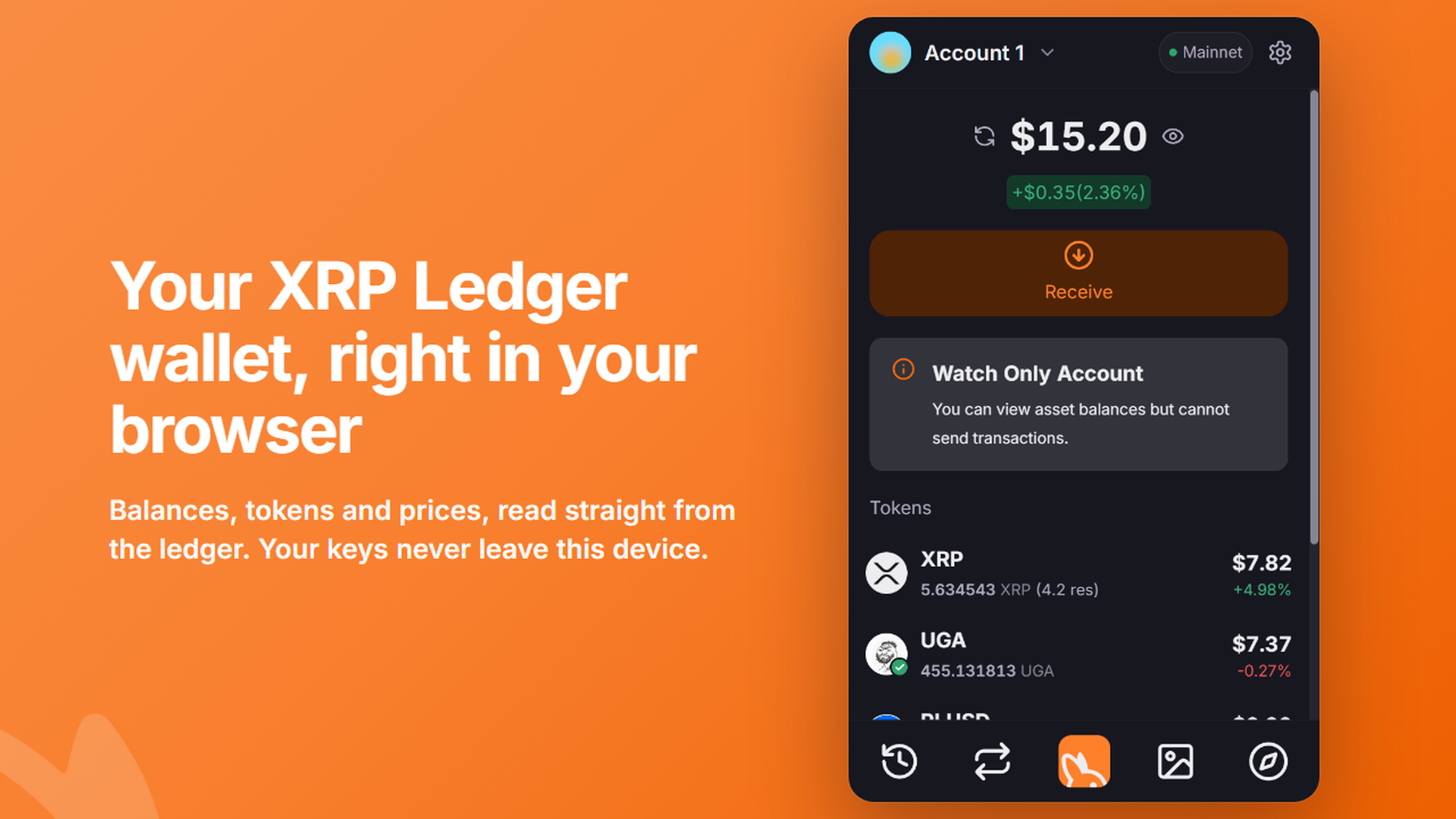
Joey started life in your pocket. Today it comes to your desktop: the Joey Wallet browser extension is now available on the Chrome Web Store.
It is the same self-custody XRP Ledger wallet you know from mobile, built for the place most XRPL apps live: your browser.
What you can do
- Hold XRP and XRPL tokens, with balances and history read straight from the ledger.
- Send with a review screen that shows the fee, destination and destination-tag warnings before you approve.
- Swap through the XRP Ledger's own order books and automated market makers.
- Collect NFTs: view, transfer and manage offers.
- Connect to XRPL apps. Every connection is per-site, and every signature is approved by you, one request at a time.
- Use a Ledger hardware wallet for accounts you want kept off your computer.
- Bring your existing wallet with a recovery phrase, family seed, secret numbers or private key, or watch any address.
Joey's extension is available in English, German, Spanish, Japanese and Korean.
Built for self-custody
Your keys are generated on your device and encrypted with a password only you know. They are never sent to Joey or anyone else, and nothing is synced to the cloud.
- The wallet locks itself after 15 minutes by default, when your screen locks, and when your browser restarts.
- Your password is required to sign each transaction by default.
- Websites see nothing until you approve a connection, and you can revoke it any time under Connected Sites.
- Joey refuses outright to sign transactions that would hand your account to someone else, such as setting a regular key or changing a signer list. No website can ask for those.
- There are no analytics, telemetry or crash reporting in the extension.
The extension has been independently audited by Least Authority. You can download the report from our Security page.
Already using Joey on mobile?
You can use the same wallet in both. Import your recovery phrase into the extension during setup. Nothing syncs between mobile and the extension, so each keeps its own encrypted copy of your keys.
A browser extension is a hot wallet on a computer you also browse the web with. For larger balances, consider keeping funds on the mobile app or a Ledger, and use the extension for day-to-day dApp activity.
Get started
Head to the Joey browser extension page and click Add to Chrome. Joey works in Google Chrome and other Chromium-based browsers such as Brave, Opera, Arc and Vivaldi.
Only ever install Joey from the link on joeywallet.xyz, and never type your recovery phrase into a website.
We've updated our Terms of Service and Privacy Policy to cover the browser extension. Questions? Visit Help & Support.